
Save a photo of every choice.
In the showroom, on site or from a website. It lands in the right room without you sorting it.
For homeowners remodeling or building custom
Photos, finishes, dimensions and install notes for every choice, room by room. As each one goes in, your builder adds a photo, so you can watch the house come along from anywhere.
Free plan · iPhone, Android and web · Works without signal on site
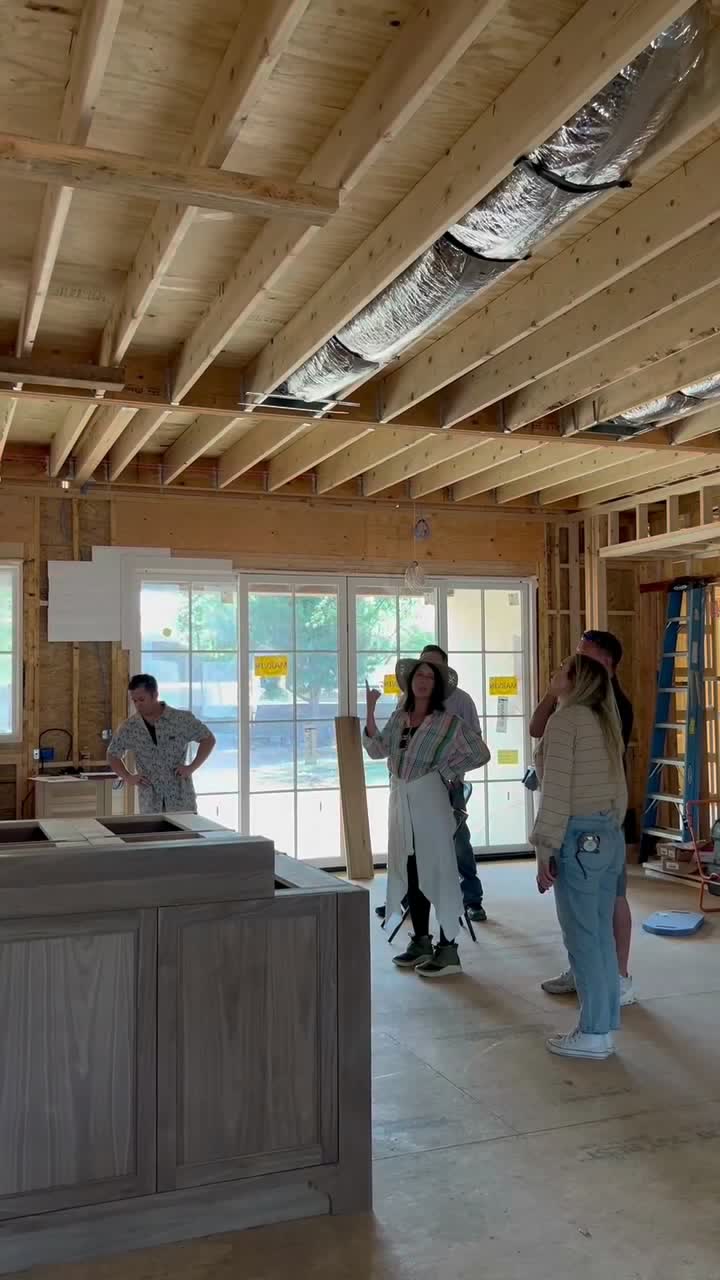
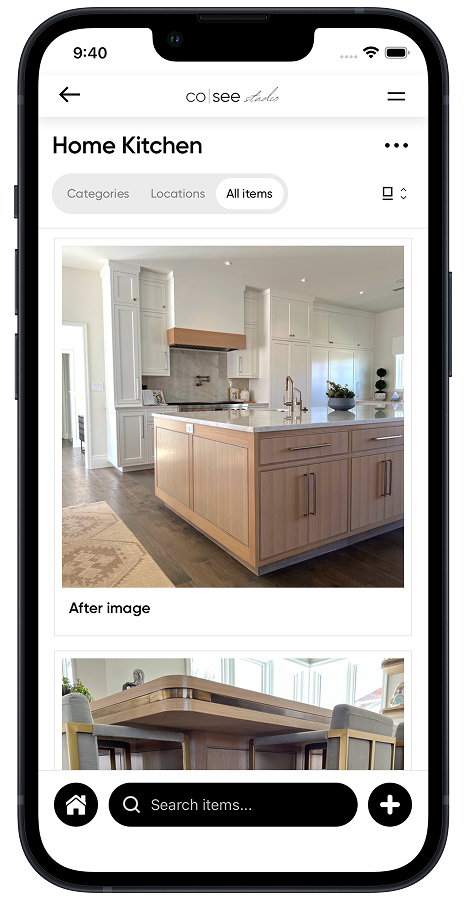
A whole-house remodel or custom home means plumbing, lighting, tile, paint, hardware and appliances for every room. Then each one has to go in the way you chose it.
| Room | Plumbing | Lighting | Tile and stone | Paint | Hardware | Appliances |
|---|---|---|---|---|---|---|
| Kitchen | Faucet, pot filler, sink, disposal | Pendants, recessed, under-cabinet | Backsplash, counters, edge profile | Walls, cabinets, trim | Pulls, knobs, hinges | Range, hood, refrigerator, dishwasher |
| Primary bath | Shower valve and trim, tub filler, vanity faucets | Sconces, vanity light, fan | Floor, shower walls, niche, grout | Walls, ceiling | Towel bars, robe hooks, shower door | Heated floor thermostat |
| Powder room | Faucet, toilet, vessel sink | Sconces | Floor, accent wall | Walls or wallpaper | Paper holder, mirror | None |
| Laundry | Utility sink, faucet, washer box | Flush mount | Floor | Walls, cabinets | Pulls, drying rack | Washer, dryer |
| Mudroom | Dog wash | Flush mount | Floor | Walls, lockers | Hooks, bench | None |
| Bedrooms | None | Ceiling fans, reading lights | None | Walls, trim, doors | Door levers, closet rods | None |
| Exterior | Hose bibs, outdoor shower, fountain | Lanterns, step lights, path lights | Pavers, stone veneer | Siding, front door, shutters | Handleset, house numbers, doorbell | Grill, outdoor refrigerator |
The photo, the details, the notes and the questions about it, in one place. Automatically organized by room and category.
In the showroom, on site or from a website. It lands in the right room without you sorting it.
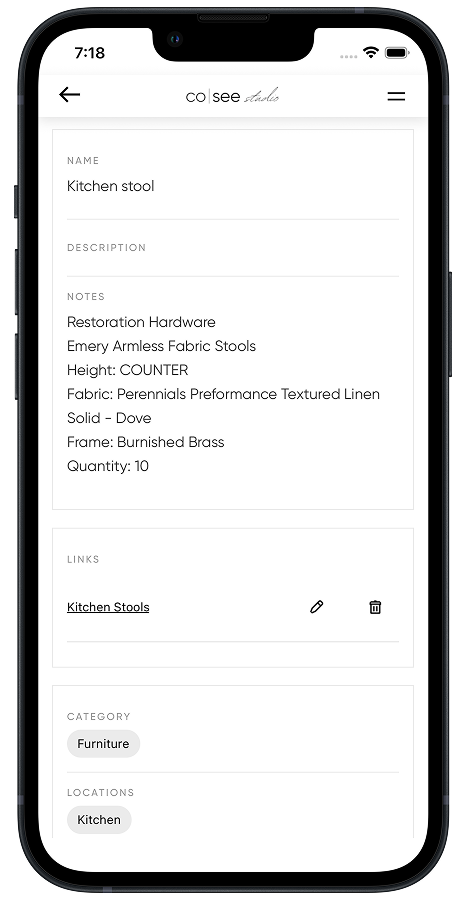
Model number, finish, dimensions and quantity. The details you'll be asked for again.
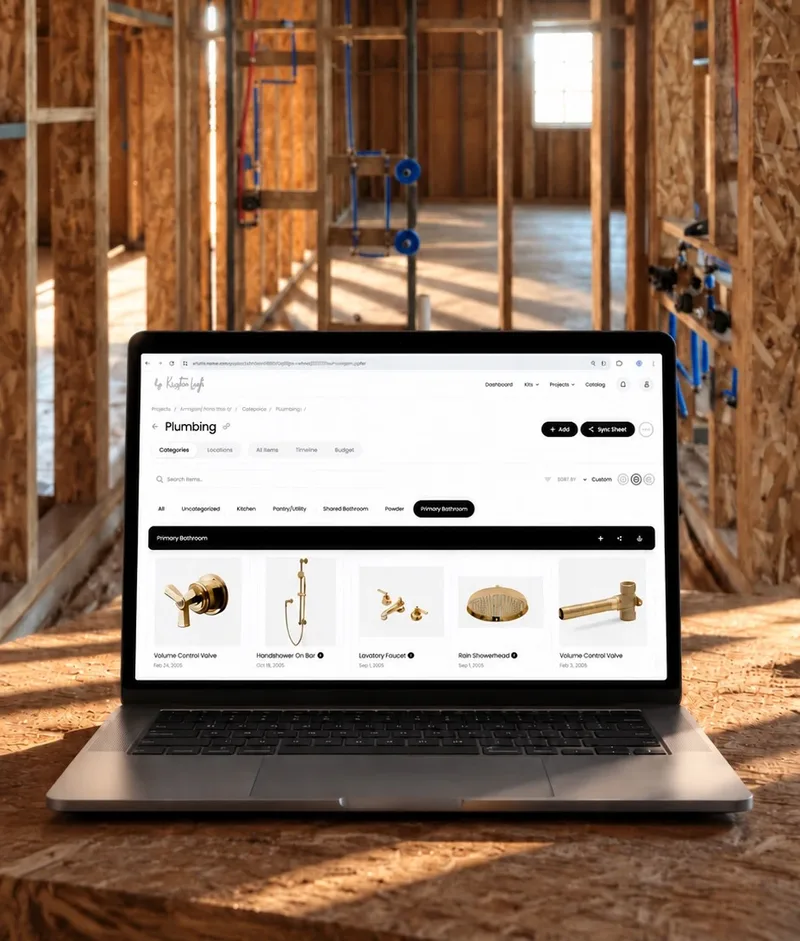
They see what's final and where it goes, and add a photo as each piece is installed. Send a spec sheet when someone wants a printout.
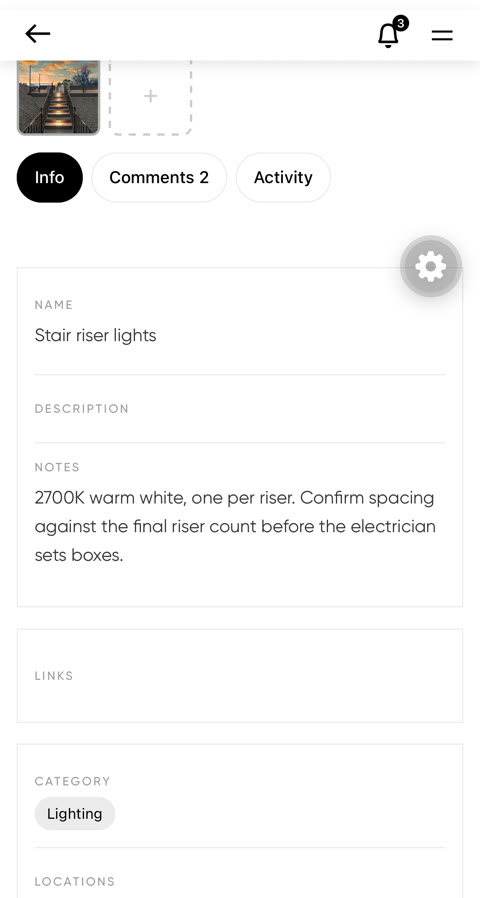
Mounting heights, color temperature, grout color. When the electrician has a question, it's asked and answered on the item.
Most homeowners can't be at the job site every day. As each piece goes in, your builder adds a photo to the selection it shows, so you can follow the house from rough-in to punch list, wherever you are.
Your builder gets the same view: what's installed, what's left and what's final, in one place.
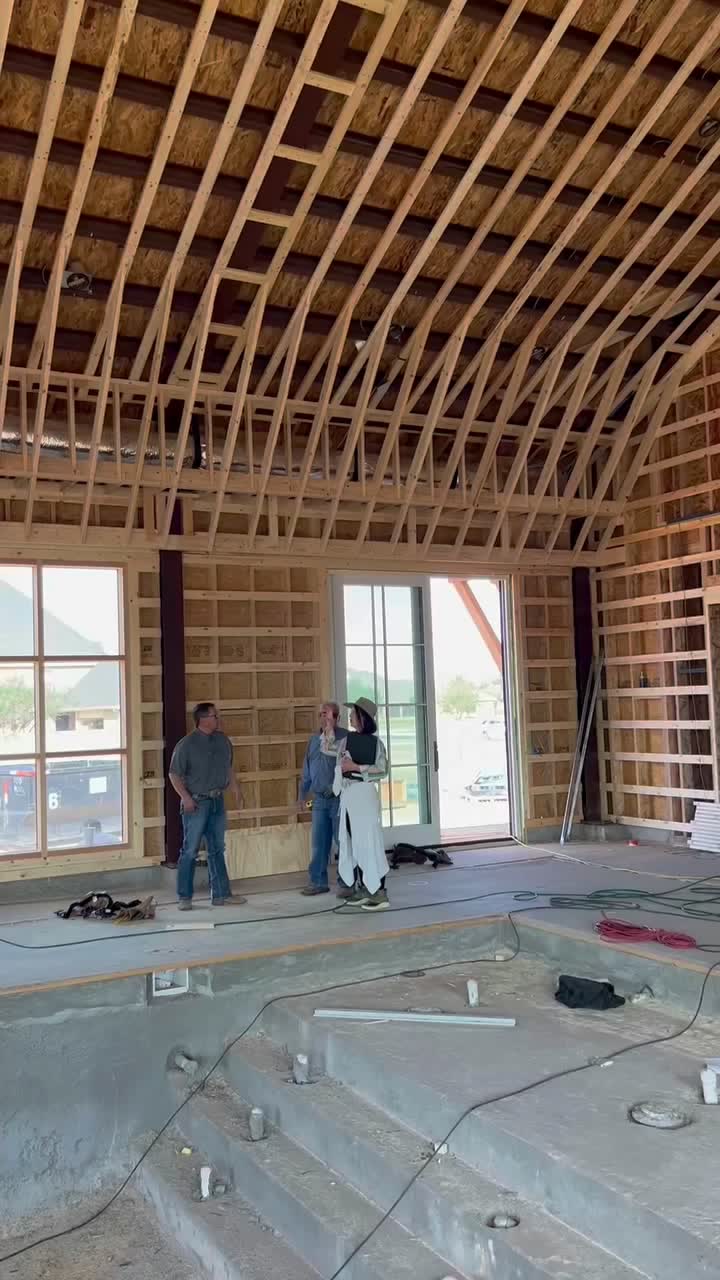
Plumbing in, photographed before it's covered.
Added by your builder
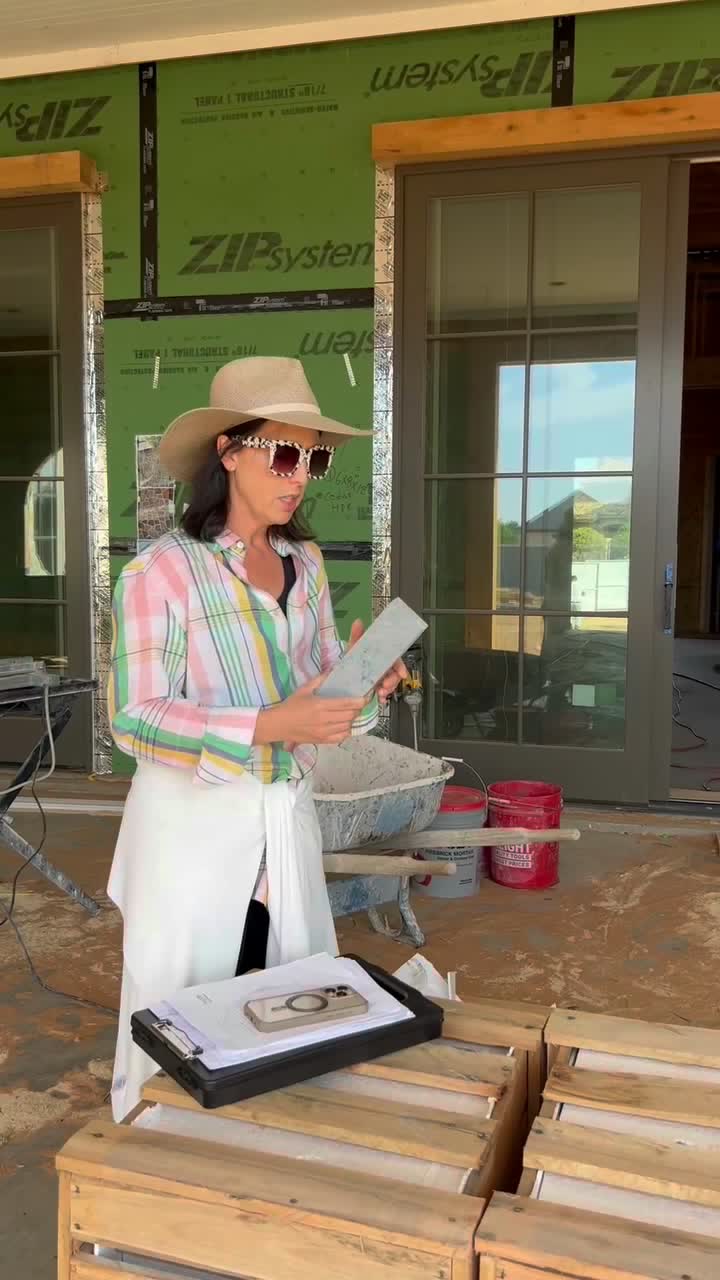
Sample held against the framing before the order.
Added by your designer
Island in. Countertop template is next.
Added by your builder
Valves matched to the selections at rough-in.
Added by your builder
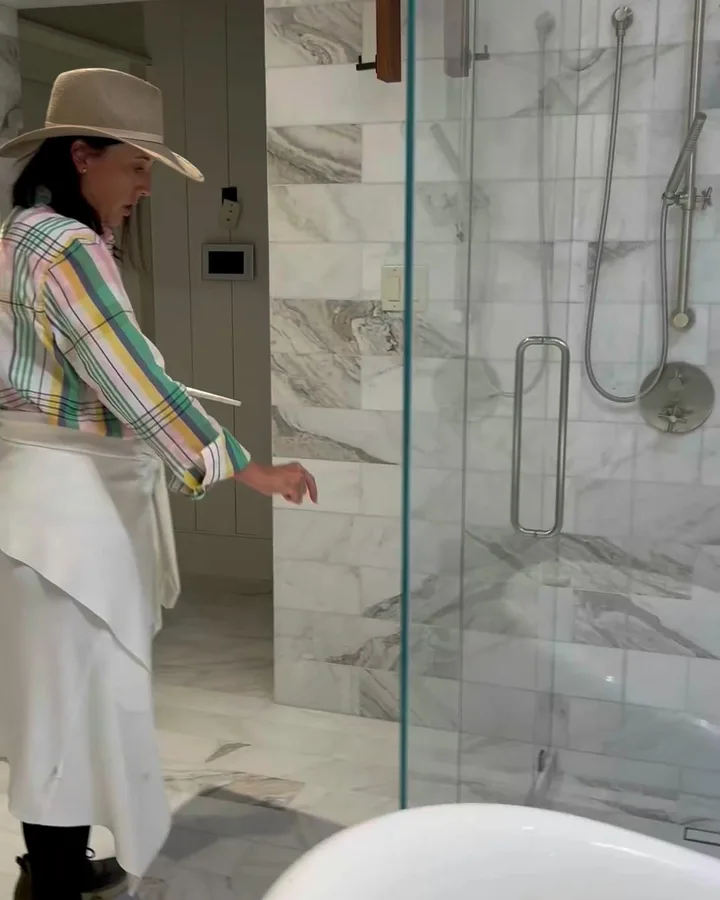
Glass and hardware in.
Added by your builder
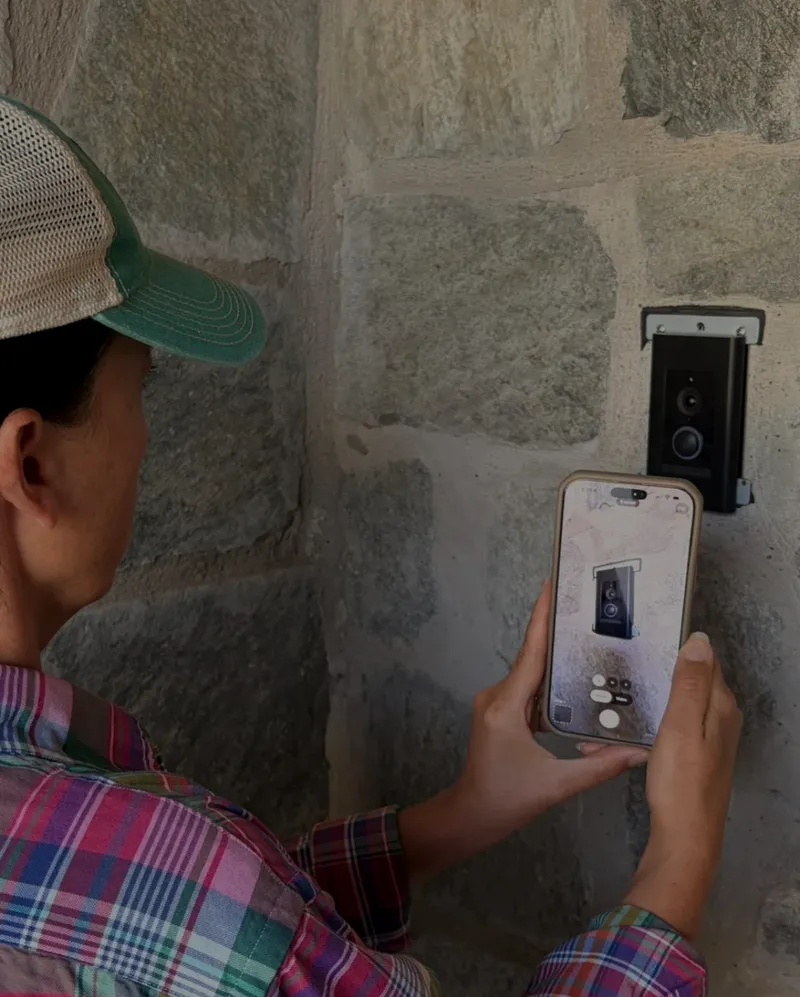
Reset level on the stone. Off the punch list.
Added by your designer
Most selection lists start in a spreadsheet. On a big project, here's where it stops keeping up.
| Task | A spreadsheet | Co|See |
|---|---|---|
| The product | A link in a cell | A photo of the actual product, plus the link |
| Finish and size | A column, if someone filled it in | On the item, next to the photo |
| Your builder's copy | The version you emailed last month | The same project you see, with what's final |
| Progress | Photos scattered across texts | A photo on each item as it's installed |
| On the job site | A laptop, if there's signal | Your phone, with or without signal |
| Questions from the trades | Texts and emails | Comments on the item they're about |
| After you move in | A file you'll have to dig for | The record of your house: the paint, the bulbs, the faucet model |
Already tracking selections in a spreadsheet or PDF? Import it and keep going
What goes in each room, which finish, what it costs, what's final and how it's installed. From the first sample through the punch list, and after you move in.
The build schedule, change orders, draw requests and lien waivers. Your builder's project-management software is made for those, and Co|See works alongside it.
Which white is in the hall. Which bulb goes in the sconces. Which cartridge fits the shower valve. It's all still there for the first touch-up and the next repair.
Keep one list for the whole house, by room, with a photo, the exact finish, the size and the install notes for each item. In Co|See you take a photo or save a link, and it's filed by room and category. Your builder sees the same list.
Look for one that keeps the photo, finish, dimensions and install notes together, works on your phone on site, and shows your builder what's final. Co|See was built by an interior designer for exactly that.
For the selections, yes: Co|See keeps the photo and the details together and stays current for everyone. For schedules and payments, your builder's project software is the better tool.
Yes. Import the spreadsheet or PDF directly, including one your designer sent you. Your selections come in ready for photos, notes and progress, so nothing gets retyped.
Yes. The free plan includes 3 active projects, sharing and spec sheet exports.
Your designer invites you to the project. You see each selection with its photo, your designer's notes and the progress photos, with what's final marked. The designer's tools stay out of your way. See what clients see
Yes. Start the project yourself and import the spreadsheet or PDF your designer sends. Invite them, your builder and your trades whenever you're ready.
Yes, with Starter: invite your designer as an editor and you both add to the project. On the free plan, the people you invite can view it.
Yes. Many homeowners keep a copy as the record of their house: the paint colors, the fixtures and the install notes, for every touch-up and repair.
Invite them to the project, or send a spec sheet. They see the products, dimensions and install notes, and which selections are final.
Ask your builder to add a photo to each selection as it's installed. In Co|See the photo lands on the item it shows, so you can see the valve, the tile and the lights go in from anywhere.
Builders see the selections and nothing else: products, dimensions, install notes and what's final. Adding a progress photo is the same as taking one on site, and it works without signal.
Yes. Photos and notes save on your phone and sync when you're back online.
Take a photo of it. The rest of the house can follow.
iPhone, Android and web