
Case studies
Explore what others have done with Co|See Studio
Seven shortcuts, before and after. Pick the one that sounds like your week, and we’ll do it for you in a free 30-minute call.
-
 01
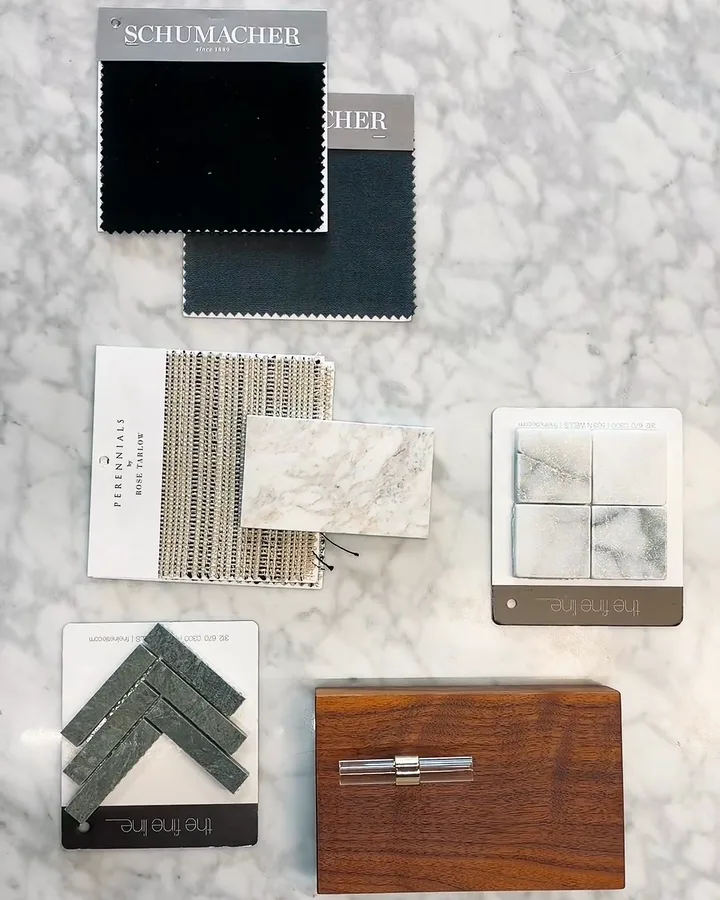
Give your clients a digital library of their home.
A designer handing over a whole-home remodel.
- Before
- A binder of receipts and warranties at move-in, then years of texts asking what the paint color was.
- After
- Every appliance, paint color, fabric and warranty in a library the clients keep for as long as they own the home. They look it up themselves.
Time back Years of follow-up texts
-
 02
Sourcing without desk work
A designer heading to market with four rooms still open.
- Before
- A printed list, a full camera roll and an evening matching photos to rooms.
- After
- Every open selection by room on one phone. Each photo lands on its selection, so the trip is filed before they're home.
Time back An evening per trip
-
 03
Turn vendor wish lists into selections in one step.
A designer with a vendor's 60-line quote as a PDF.
- Before
- Retyping SKUs, finishes and prices into the tracker, line by line.
- After
- All 60 lines as selections with the details filled in, ready for the client to review.
Time back An afternoon per quote
-
 04
Digitize a spec sheet with your custom format.
A designer whose builder wants specs in one exact layout.
- Before
- Rebuilding the spec sheet by hand every time a selection changed.
- After
- One sample uploaded. Spec sheets and presentations now come out in that layout in minutes.
Time back Every rebuild after a change
-
 05
Create a punch list from your walkthrough videos.
A designer walking a finished job with the builder.
- Before
- Notes on a phone, photos in the camera roll, and a night typing up the list.
- After
- Each fix mentioned on the walkthrough video becomes a punch-list item, sent the same day.
Time back A night of typing
-
 06
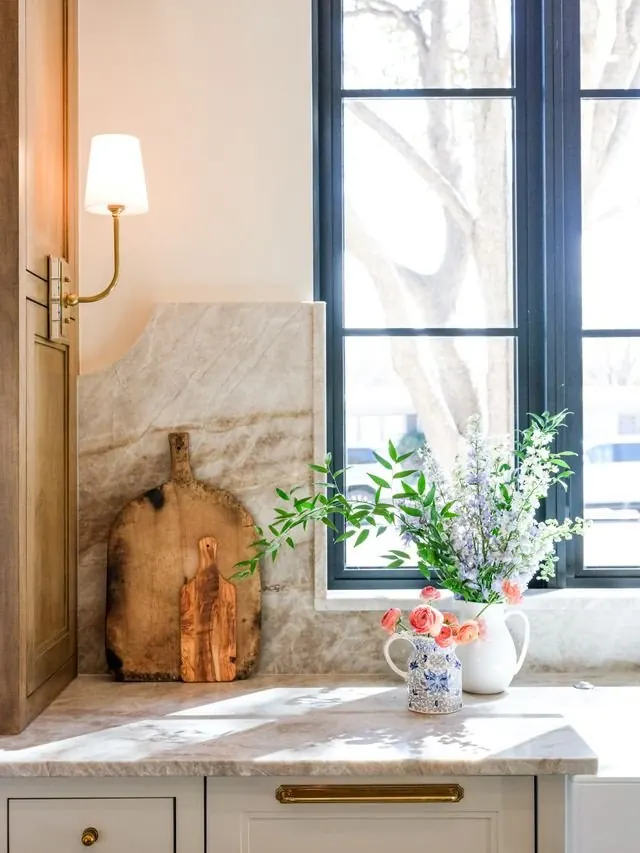
Automate client updates.
A designer with five clients asking “where are we?” every Friday.
- Before
- An hour every Friday piecing together what changed on each project.
- After
- A draft for each client of what changed that week, ready to edit and send.
Time back Friday afternoons
-
 07
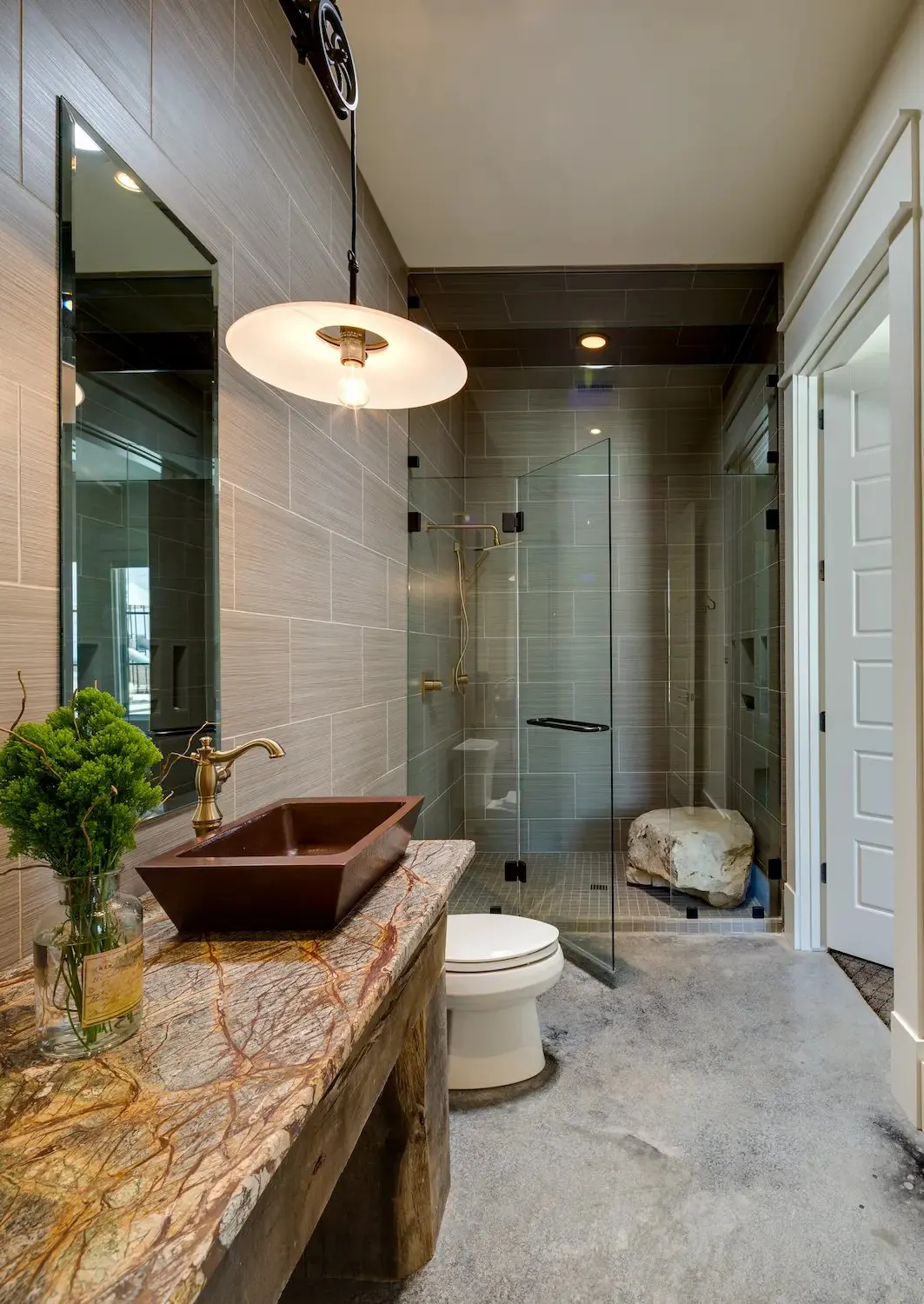
A portfolio of your past and current projects.
A designer pitching a new client with three finished homes and two underway.
- Before
- Digging through old folders and camera rolls for the best photos of each project.
- After
- Finished rooms and work in progress from every project in one portfolio, shared with a link.
Time back The night before every pitch

Which one would save you the most time?
Tell us on a free 30-minute call, and we’ll do it for you on one of your own projects.
A free 30-minute call with your concierge.
Sign up