How Cosee Studio Works
You already do the hard part. This is the rest.
Cosee Studio captures your selections, photos, and product details as you work — then turns that work into spec sheets, client views, and curated kits without a second pass.
Four steps from project to product.
The selection management workflow matches what you already do. The payoff is that your project work becomes something you can share — and sell — the moment it's done.
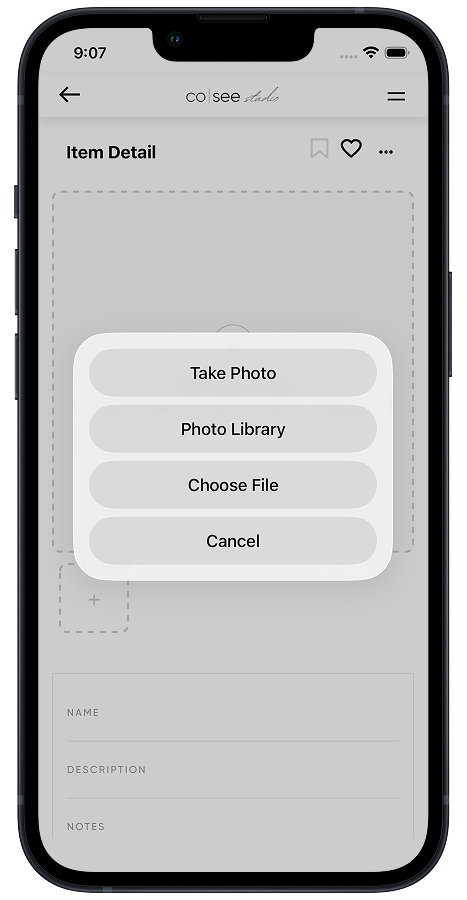
Capture
Snap a photo of that tile sample. Add a note about why you chose it or how it installs. Works offline — syncs when you're back online.
Curate
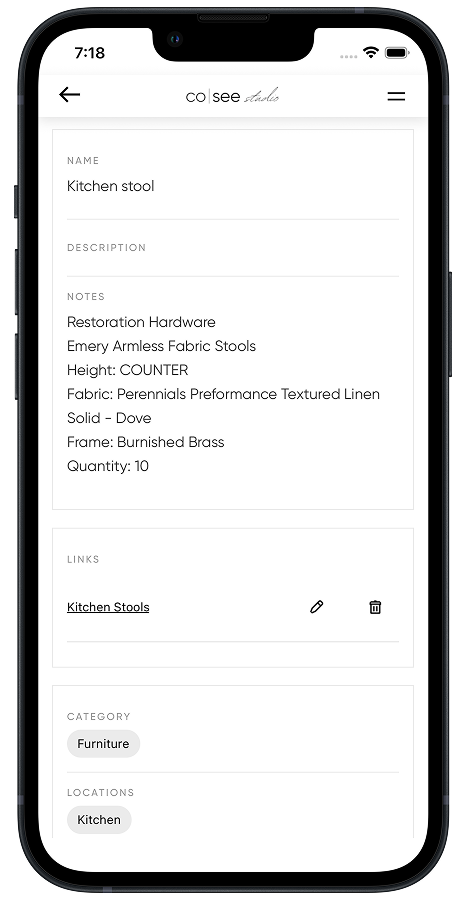
Tag by room and category. Add descriptions, install notes, and the reasoning behind your selections that forms the aesthetic.
Share
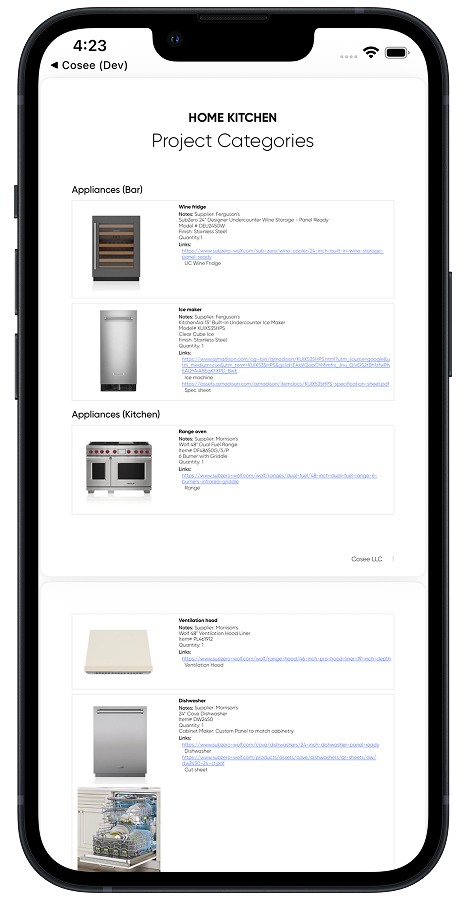
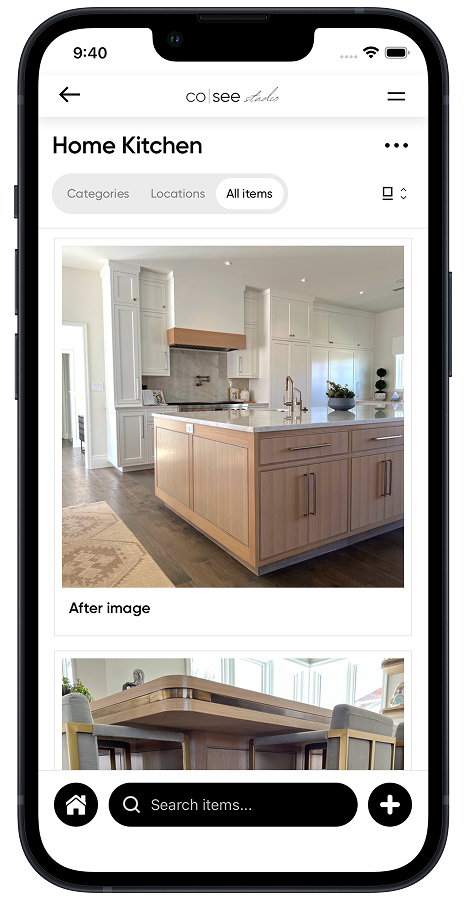
Help clients and collaborators picture the space. Detailed views and spec sheets flow from the same project — no second pass.
Sell
Set a price, share a link. Your finished projects become curated kits your followers can buy — even the ones that never got built.
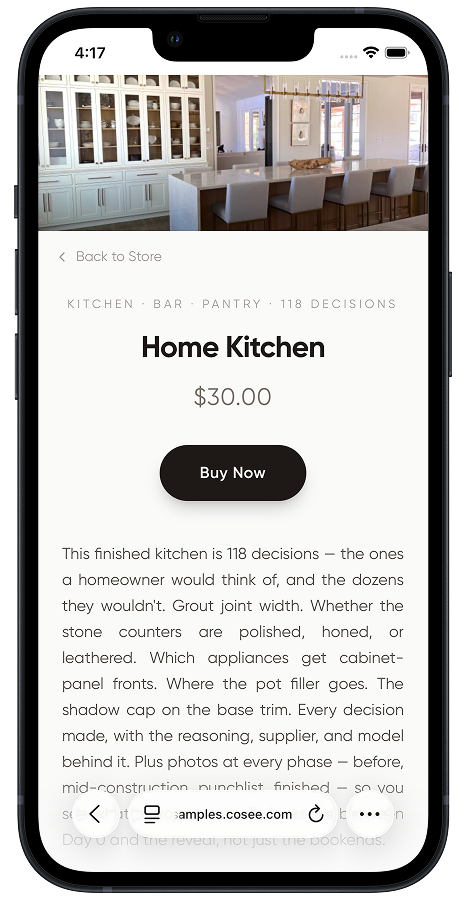
One Project, Every Artifact
The same project. Every document your work demands.
Your selections, photos, and notes flow into the artifacts your work demands — spec sheets for contractors, detailed views for clients, and curated kits for followers. No reformatting, no double entry.
Organized by room
Group selections by location so clients can picture what's happening in each space — and contractors know what installs where.
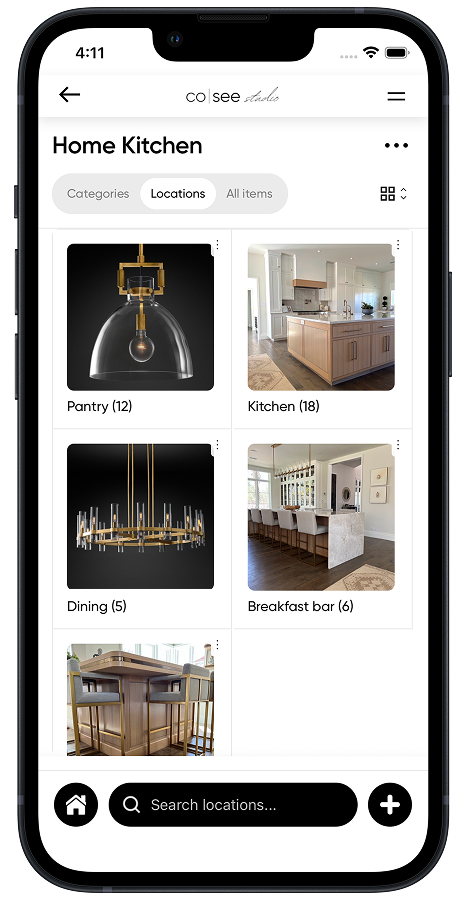
Spec sheet
One project, organized by category, room, or specific items. Specs and notes formatted for the field — print or share the link.
Curated kit
Published as a kit your followers can buy — selections, photos, and reasoning. Set a price, share the link.
What is a curated kit?
A curated kit is your completed project, packaged as something your followers can buy. It includes your expertise — not just a list of products.
What's in a kit
- • Every product selection, with photos and links
- • Room-by-room breakdowns of your design
- • Your notes on why you chose each item
- • Installation tips and decision order
- • Progress photos showing how it came together
- • Your branding throughout (Pro plan)
Why a kit isn't a product list
Anyone can share a list of links. A curated kit includes the reasoning, the aesthetic decisions, and the professional context that only a designer can provide. It's the difference between handing someone a list of paint colors and teaching them how you think about color in a space.
That expertise layer is what your followers will pay for — and what makes curated kits more valuable than affiliate-link roundups.
Most tools ask you to build the product after the project. Here, the product builds as you work.
Because your selections, notes, and progress photos are already captured in your project, the curated kit is ready when the project is done. No reassembling from your camera roll. No re-finding product links. Set a price, share a link.
The typical path
- 1. Finish project
- 2. Dig through camera roll for photos
- 3. Re-find all product links
- 4. Ensure your client's privacy
- 5. Assemble a guide
- 6. Upload to a selling platform
- 7. Write descriptions, set pricing
- 8. Share link
With Cosee Studio
- 1. Work your project (selections, notes & photos captured as you go)
- 2. Ensure your client's privacy
- 3. Set a price
- 4. Publish and share
Two reasons to be here. Two ways into each.
Talk it through with us, or jump in self-serve. Either way, no pitch.
For your projects
What's in your camera roll, organized.
Catch up on a current project. Get started on a new one. Ship spec sheets that don't need a second pass. See your work the way your clients and builders need to.


For your audience
What if your past work kept earning?
Dead projects turning into cash. Your best past work becoming ongoing sales. Finished projects that don't retire when the client moves in. Your audience already wants what's in your portfolio — they just can't buy it yet.